To view the holiday list, go to HRM -> Holiday in the menu bar. You’ll be redirected to the Holiday page, which displays all holidays.
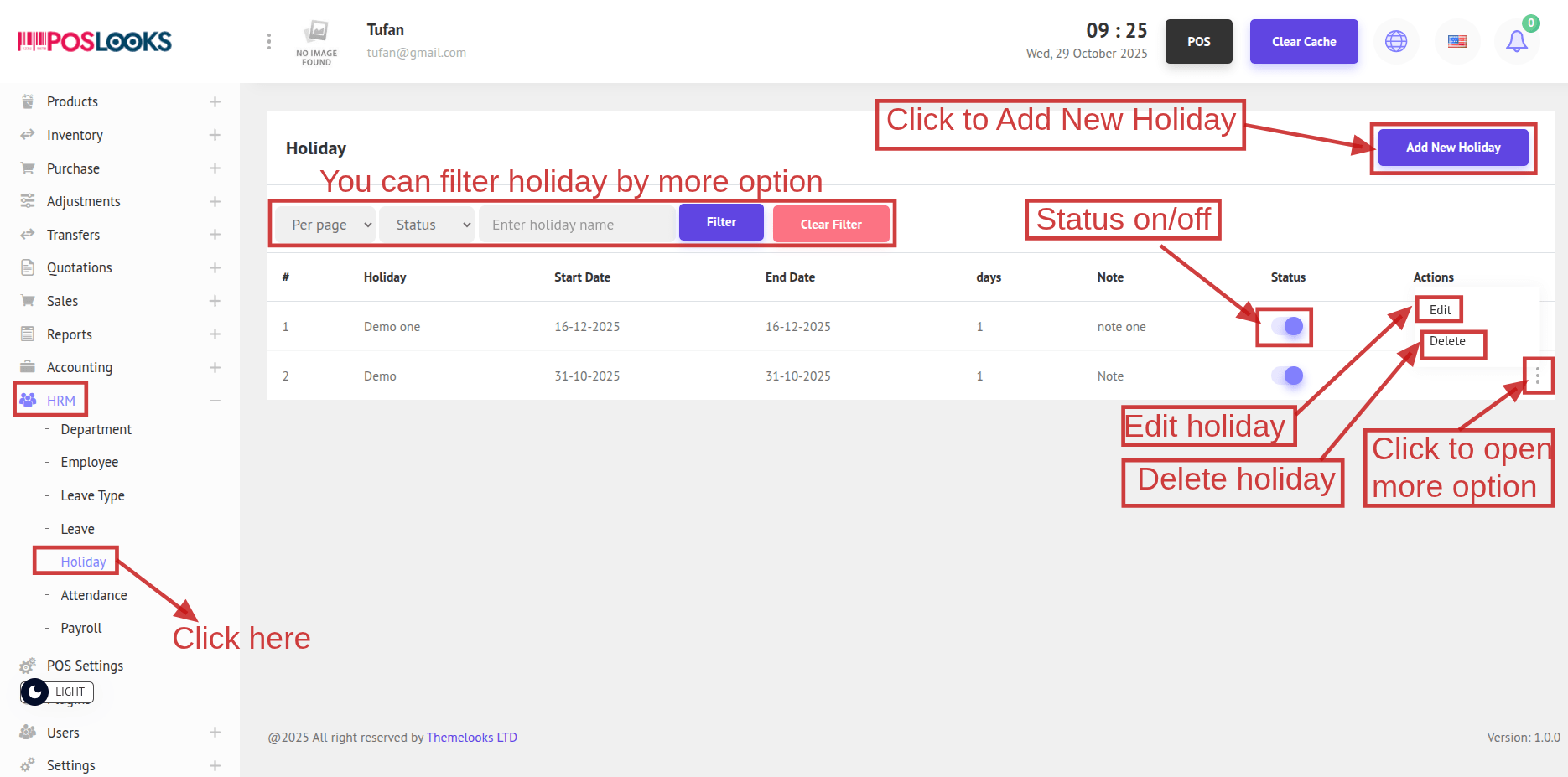
Click Status to toggle a holiday On/Off.
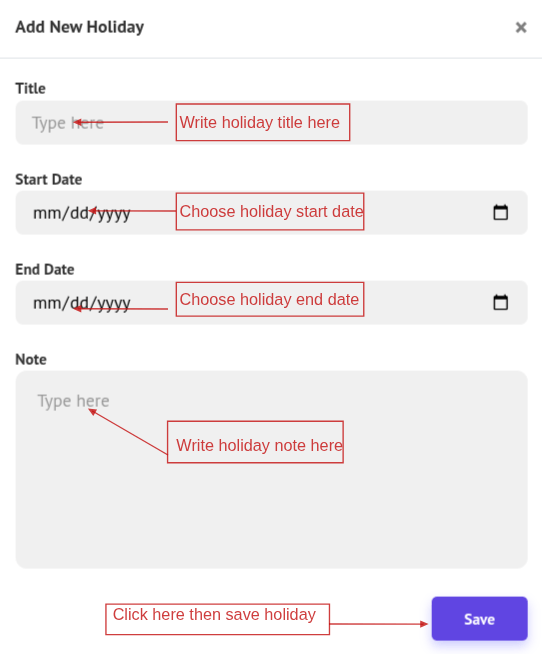
To create a new holiday, click Add New Holiday. A popup window will open—complete the required fields and click Save to create the holiday.
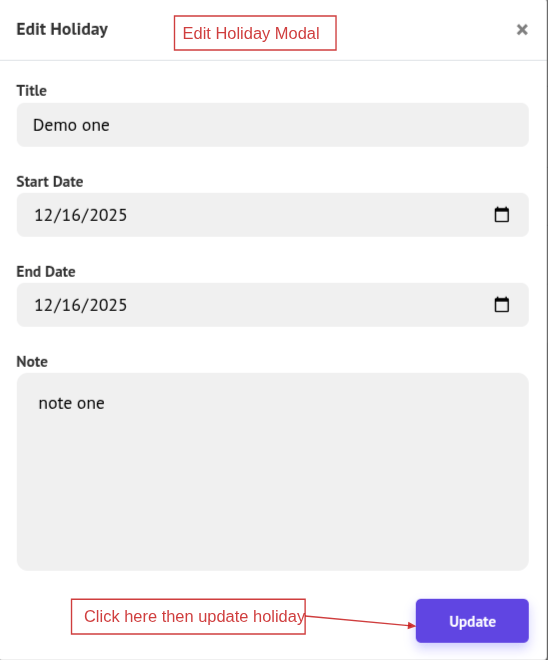
Click Edit to modify a holiday, update the fields in the popup, and click Update to save.
To remove a holiday, click Delete (and confirm if prompted).